Enabling Budget Planning Mode
- In the budget sheet, click the Change button in the Filters toolbar.
The setup page for the selected filter is displayed.
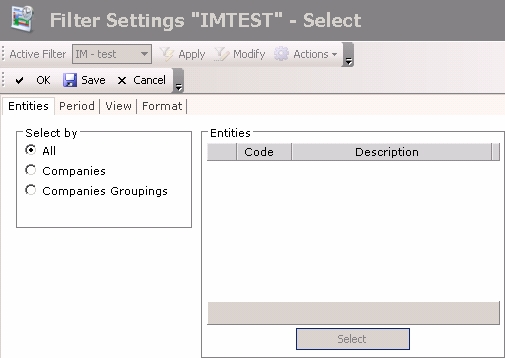
- Click on the View tab.
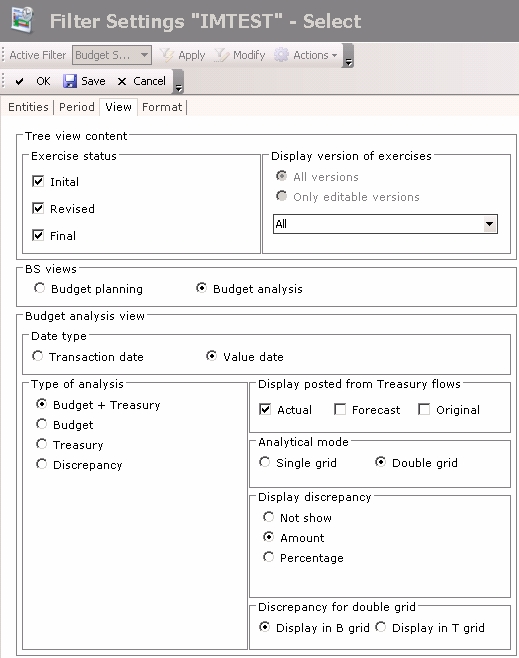
- In the BS views area, select the Budget Planning option.
Once you completed the modifcations, in the action bar at the top of the page, click:
- Save to save your modifications without leaving the current page,
- OK to save your modifications and go back to the previous page,
- Cancel to cancel your modifications and go back to the previous page.


